

NVivo: The world’s most-cited QDA software solution – now with NVivo AI Assistant
NVivo QDA Overview: NVivo is a place to organize, store and analyze your data
Work more efficiently, conduct deeper analysis from more sources, and defend your findings with NVivo:
- Import data from virtually any source.
- Analyze data with advanced management, query, and visualization tools.
- Ask complex questions about your data to identify themes and draw a clear conclusion.
- Achieve more robust research results in less time
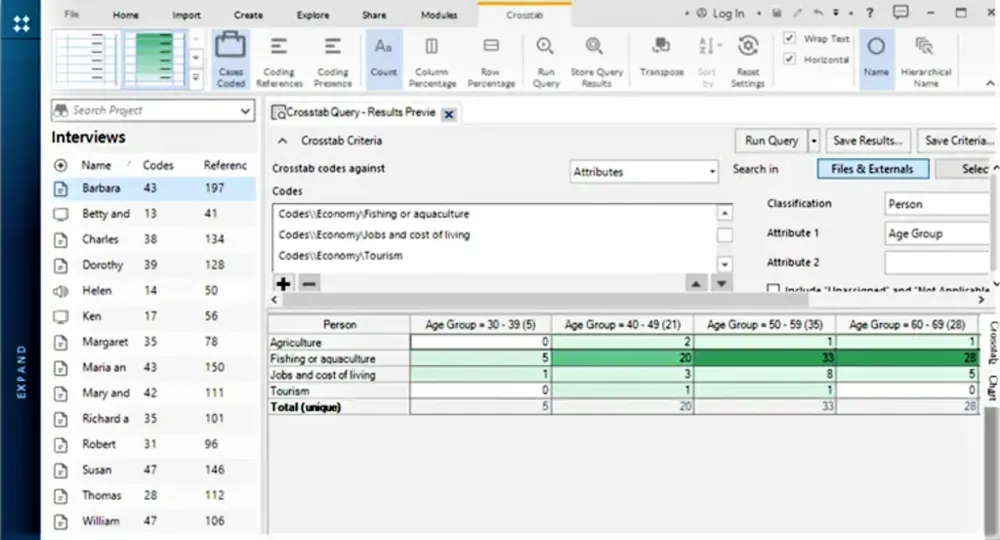
Unlock deeper insights easily
Dive into your qualitative and mixed methods data effortlessly. Pose critical questions to your data and unveil patterns and connections that manual analysis can’t reveal. NVivo takes your research to new depths.
Boost productivity
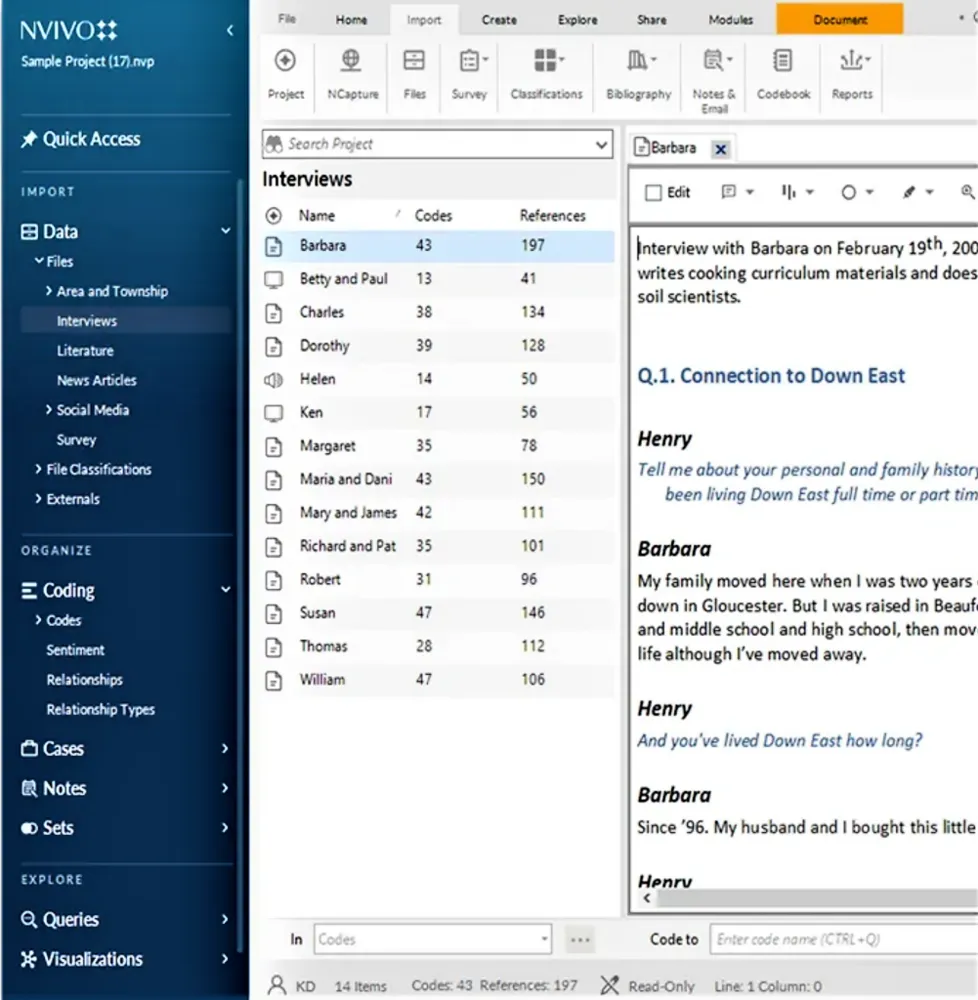
Save time by finding common themes and evidence-based insights faster. NVivo empowers you to accomplish more in less time, enhancing your overall productivity.
Make robust conclusions
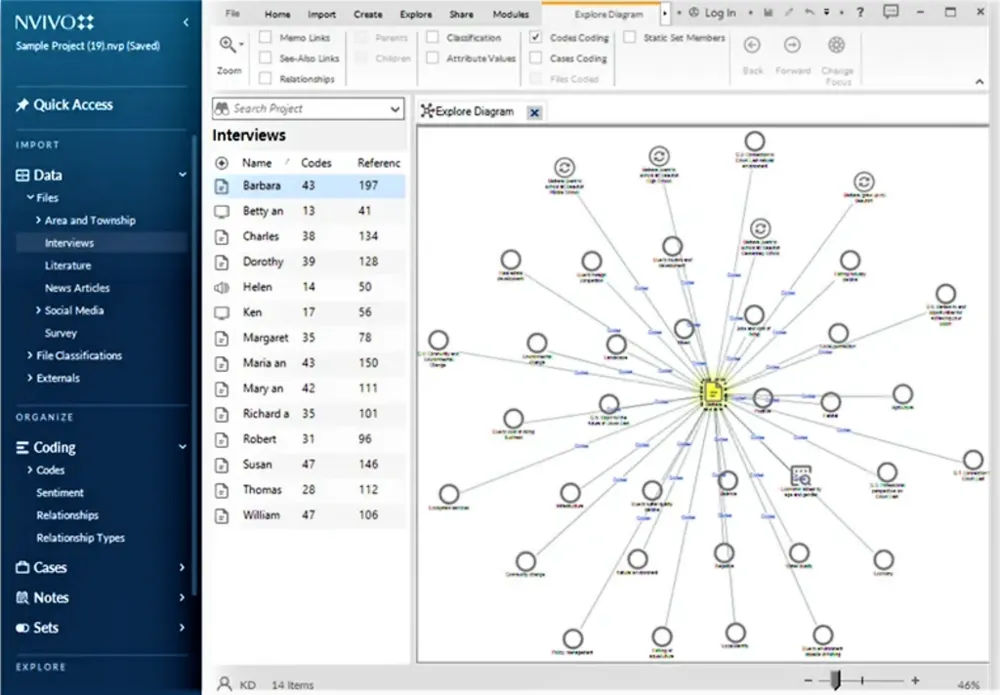
Attain the full picture when articulating outcomes or evaluating impact. NVivo ensures your conclusions are well-informed and robust.
Deliver comprehensive findings
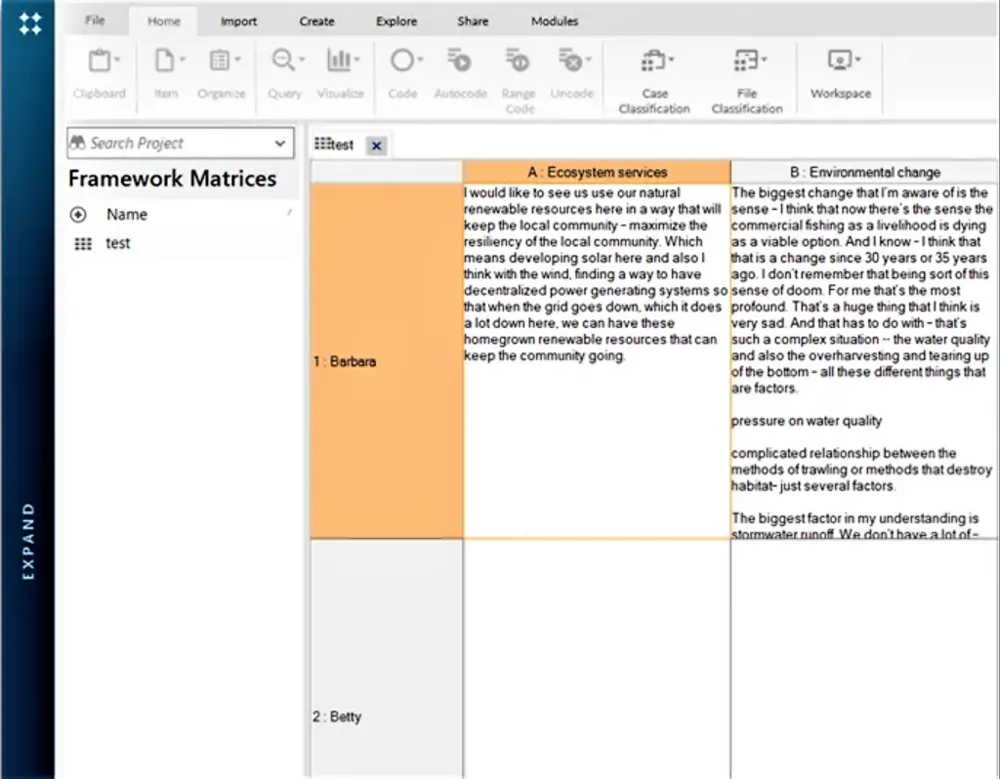
Present valid, defensible conclusions to create effective outcomes. NVivo equips you with the tools to articulate your findings comprehensively.
What’s new in NVivo 15?

NVivo AI Assistant*
Freedom to focus on your analysis
Efficiency Boost
With the powerful NVivo AI Assistant – exclusive to NVivo v15* – qualitative researchers can focus more on analyzing and interpreting their data rather than getting bogged down by tedious tasks.
Summarize Whole Text Documents:
Bring memoing to the forefront of your analysis while turning the marathon of reading endless pages into a sprint with smart summarization.
Suggest and Code Sub-Codes:
You do the straightforward, broad coding first and let the NVivo AI Assistant save you time by suggesting the more detailed codes.
Unpack Complex Jargon or Technical Language:
Leverage AI to explain unfamiliar terms or local idioms, saving you time from searching for answers.
Human at the Helm
NVivo 15’s enhanced user interface ensures that researchers remain in full control of their projects, making informed decisions on the direction of their research while leveraging AI capabilities.
Security Forward
NVivo prioritizes user data security, ensuring all data is processed within the AI engine securely and never used to train external language models. Users can trust that their project data remains confidential and protected.
*Note:
The NVivo AI Assistant is free to try with NVivo v15 for +-1000 pages of analysis per User. Thereafter it is available as a renewable 12-Months Subscription. Each NVivo v15 User wishing to access the NVivo AI Assistant after using their free trial must have their own NVivo AI Assistant Subscription.

Easily connect from Mac or Windows
Syncing projects across Mac and Windows does more than eliminate the file conversion process — with NVivo 15, users can easily open projects across both Mac and Windows with ease.

Citavi Insight – powered by NVivo
Syncing projects across Mac and Windows does more than eliminate the file conversion process — with NVivo 15, users can easily open projects across both Mac and Windows with ease.

Enhanced teams & enterprise collaboration
Whether you are on a Mac or Windows, NVivo 15 drastically improves how you can easily sync work completed while offline to sharing projects with teams. By enhancing the team experience with NVivo Collaboration Cloud, multiple users can connect to the same project to update, code, and analyze your research in real-time. This feature requires NVivo’s Collaboration Cloud.

Simplified access & management single sign-on (SSO)
Whether you use NVivo, Citavi or both, Single Sign-On offers a secure, centralized, and easy-to-use access management capability. Your account provides you with access to your resources, tools, data, and applications.

Enhance NVivo with add-on modules

Streamlined summaries, coding suggestions, jargon defined
Securely share data, insights & expertise across teams
Powerful automated transcription software to save you time

The only all-in-one writing and referencing solution
NVivo in action – a quick video introduction series
01. What does NVivo do?
02. Importing data
03. Coding
04. Memos
05. Annotations
06. Cases
07. Case Classifications
08. Word frequency